Update CIP2020 and CIP Lite LED status colors
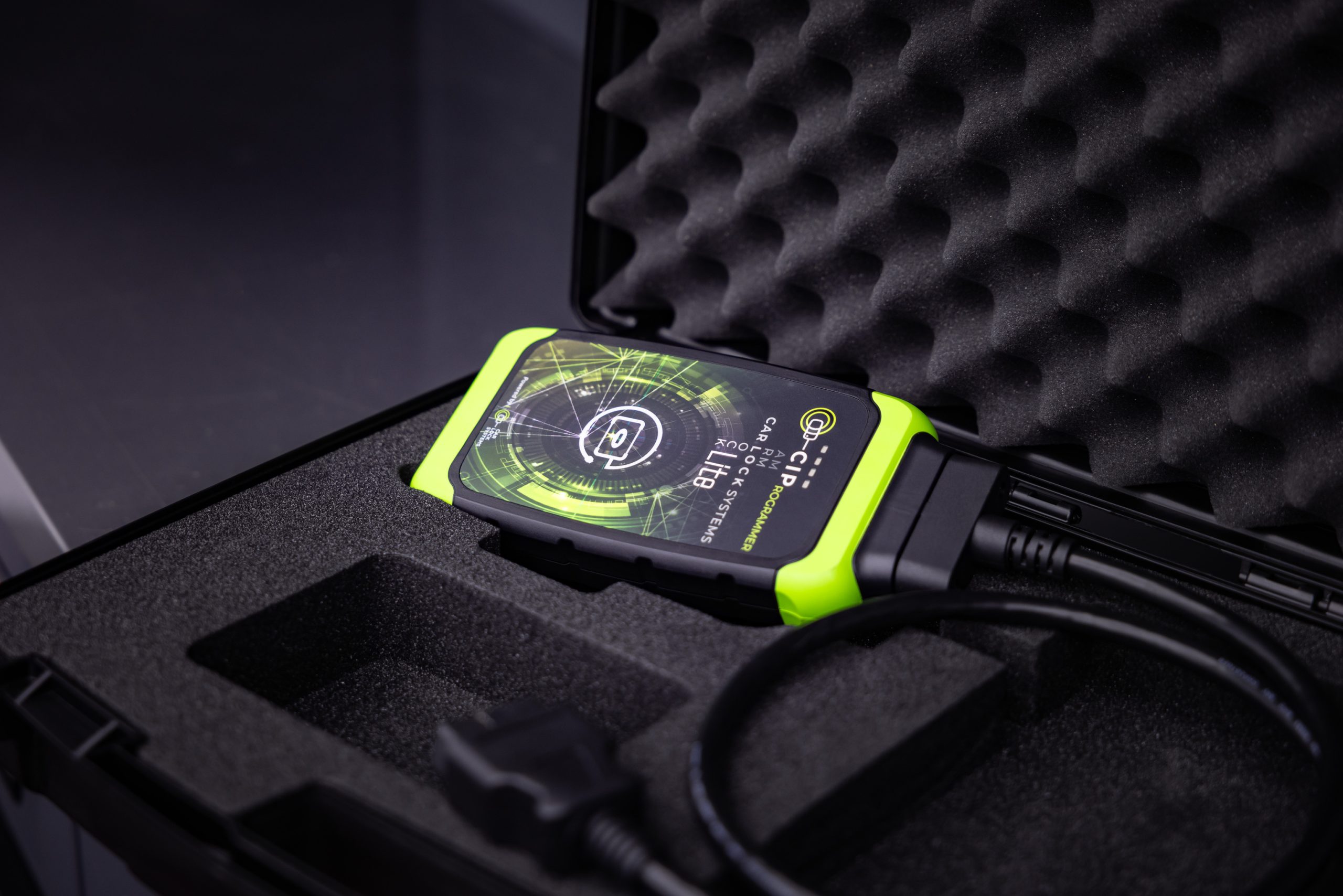
From this release onwards, the CIP programming tool will visually communicate the ticket status using multiple LED colors. Existing indicators remain unchanged, while new colors provide clearer information about the current process and any required actions.
LED status colors
🟢 Flashing green: powered on (existing)
🔵 Solid blue: updating (existing)
🟣 Solid purple: ticket in progress (new)
🔴 Solid red: ticket cancelled (new)
🟢 Solid green: ticket completed (new)
🟠 Flashing orange: action required (new)
The “action required” status is triggered when input from the workshop is needed.
Improved action required status alerts by sound
When action is required: the alert sound will now repeat every 30 seconds instead of playing only once.
The sound can be stopped by: Pressing the back button on the CIP programming tool, or respond in the chat and the session continues.
The benefits of this update
This update makes it much easier for workshop professionals to:
✓ Instantly recognize the status of their session
✓ Continue working without constantly looking at their screen
✓ Respond more quickly whenever their input is required
What do you need to do?
Absolutely nothing. Starting April 1, this update will be installed on your CIP programming tool via an OTA update. Just like you’re used to with other automatic updates, such as when new makes and models become available. The LED lights will remain solid blue until the update is complete.